
Super Head Soccer Controls
Master PC keys and mobile buttons so headers, clears, and power moves land on time in every 1v1.
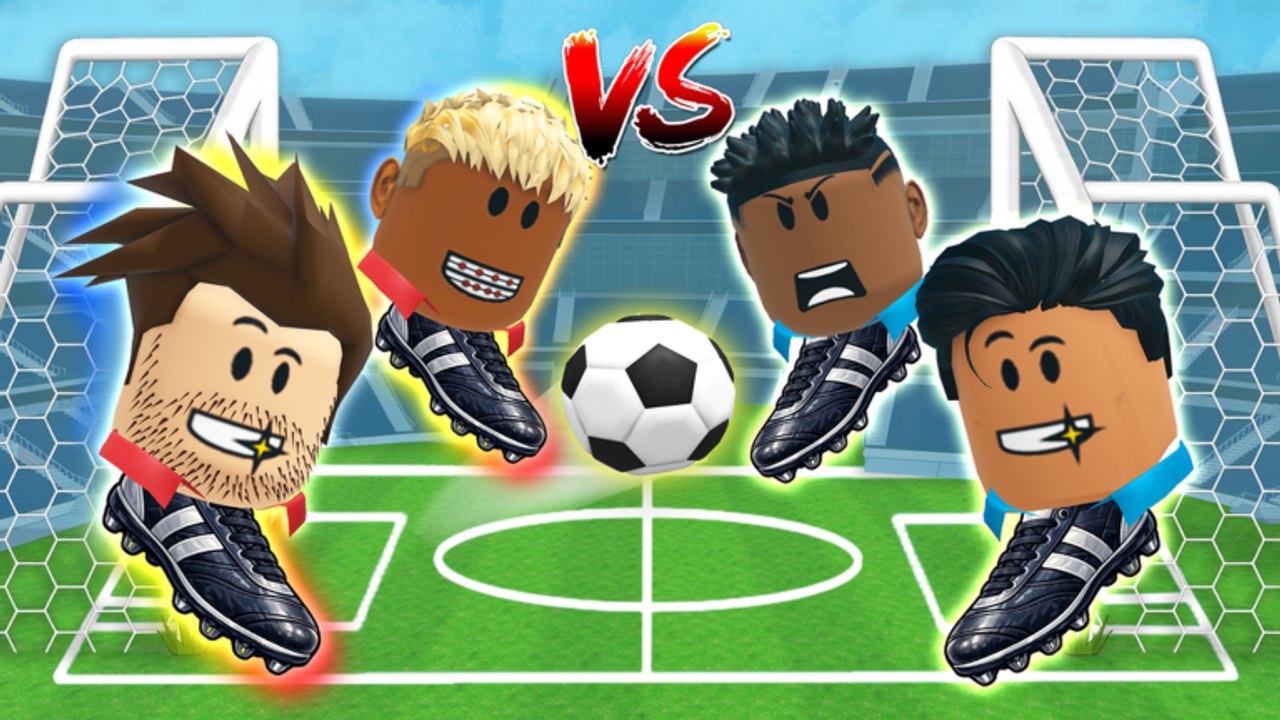
Raw talent does not help if your fingers disagree with the UI. This Controls guide documents how to drive Super Head Soccer on PC and mobile, then explains the timing habits that turn those inputs into goals and saves. It belongs beside Getting Started for new players and beside How to Win 1v1 once you start analyzing losses.
Remember the identity of the game: a Roblox 2D 1v1 head soccer arcade title by God Bless Zak / 1Day Games, still in beta since roughly March 2026. Patches can nudge feel—retest after updates listed on the Updates Hub.
PC controls overview
Community and creator-facing references consistently highlight a compact PC scheme:
| Input | Role in matches |
|---|---|
| Q | Context action players use in movement/skill or specialty timing—learn its exact in-game label in your build and practice it in casual |
| S | Secondary movement or stance-related control—confirm on your client; used in defensive reposition patterns |
| Space | Jump / aerial contest—core to headers and goal-line leaps |
| Left Click | Primary strike / offensive contact |
| Right Click | Secondary strike / alternate contact or power-related input depending on prompt |
Because beta UI copy can shift, treat the table as your checklist of keys to master, then verify the on-screen prompt the first time you load after a patch. The important part is not memorizing a wiki icon—it is building muscle memory for jump timing versus ground contact.
PC practice drills (10 minutes)
- Jump ladder: Space only, contest ten floats without moving past the ball.
- Ground rhythm: Alternate Left Click and Right Click contacts while walking a short lane.
- Q/S awareness: Bind your attention to whatever those keys do in your current build—practice until you stop glancing at the keyboard.
- Panic clear sim: Stand near your goal, force awkward bounces, clear with composure.
Do these in casual. Ranked queues punish experimentation.
Mobile controls overview
On mobile, Super Head Soccer uses on-screen buttons instead of Q / S / Space / mouse. Expect a left-side movement control and right-side action buttons for jump, kick/head contacts, and power activation when charged.
Mobile-specific advice:
- Lower graphics slightly if input lag appears during busy effects.
- Keep thumbs anchored; reaching across the screen for rare buttons causes late jumps.
- After side selection, re-check whether your dominant thumb still aligns with the jump button—some players flip comfort when they lose the preferred right-side view.
- Use a light case grip; sweaty hands during long ranked sets cause mis-taps that look like “physics bugs.”
If you swap between PC and mobile, play two casual matches on the new device before ranked. Cross-play muscle memory is a real Elo killer.
Timing > button count
Super Head Soccer is not an input-chord fighting game. Most rounds are won by when you press, not by secret combos.
Early jump — Beats you when the ball is still rising; you land helpless.
Late jump — Misses the header window; opponent freights a shot.
Early power — Wastes charge at midfield.
Late power — Whiffs after the bounce already died.
Record one match if your device allows. Watch only your jump timing for the first review. Then watch only power timing. That separation teaches faster than rereading tips.
Controls in common match situations
Kickoff
Decide before the whistle: contest aggressively or soft-receive. Aggressive strikers mash early jumps; goal-line minds may cede the first header intentionally. Align with your playstyle.
Midfield duel
Short hops beat full leaps. Full leaps are for crosses and goal-line crises. Midfield controllers live on restrained Space taps and deliberate clicks.
Goal-line defense
Priority order: body position, then jump, then swing. Spamming clicks with bad feet creates own-goal trajectories. This is why goal-line composure sits S-tier on the Tier List.
Power window
When your power indicator is ready, do not auto-dump. Create an angle, then commit. Power specialists abuse predictable charges—vary your timing so opponents cannot pre-jump.
Map voting downtime as a controls reset
Players complain that map voting and side selection add downtime. Use fifteen seconds to:
- Wipe hands / adjust grip on mobile
- Remind yourself of one input focus (“no early Space”)
- Accept side outcome and re-orient near/far posts
That ritual is free Elo. Scrolling script showcases during the vote is how accounts get banned—read Scripts Hub only for awareness.
Accessibility and comfort
- Rebind only if Roblox/experience settings allow; otherwise adapt.
- Lower camera shake in system settings if available.
- Take a break every few ranked sets; fatigue hits jump timing first.
- If a patch changes feel, re-run the ten-minute drill before blaming matchmaking—see Beta Patch Notes.
Controls checklist before ranked
- Confirmed current PC key meanings after any update
- Mobile buttons reachable without thumb stretch
- One casual warm-up completed
- Power indicator understood (ready vs charging)
- Side preference noted; backup plan if flipped
Link your mechanical practice to strategy
Controls alone do not climb the ladder. Combine this page with:
- Ranked Guide for series management
- How to Win 1v1 for tactical patterns
- Strategy Tiers for which habits deserve drill time
- Getting Started if you still need lobby orientation
Master the five PC inputs—or the mobile button cluster—until thinking disappears. Then spend your brain on reading the opponent, not hunting for the Space bar.
Frequently Asked Questions
Quick answers for Super Head Soccer players.
What are the Super Head Soccer PC controls?
Core PC inputs players rely on include Q, S, Space, Left Click, and Right Click. Confirm on-screen labels after patches because the beta can adjust prompts.
How do mobile controls work?
Mobile uses on-screen movement and action buttons for jump, strikes, and power activation. Keep thumbs anchored and re-check comfort after side selection.
Why do I keep missing headers?
Most misses are early or late jumps, not missing keys. Drill Space timing in casual matches and review a recording if possible.
Should I change controls between ranked games?
Avoid mid-session rebinds. Warm up after any change and after patches before returning to ranked.
Do scripts help with controls?
Automation can violate Roblox rules and stall real learning. Use this guide and fair practice instead of risky executors.